Available options depend on your version, permissions and hardware. For missing actions, see Security and Diagnostics.
Step by step
- Check version, model/resources and guided tour.
- Save the installation location using map, coordinates or browser location.
- Set electricity price/emissions factor and device solar array settings for forecasts.
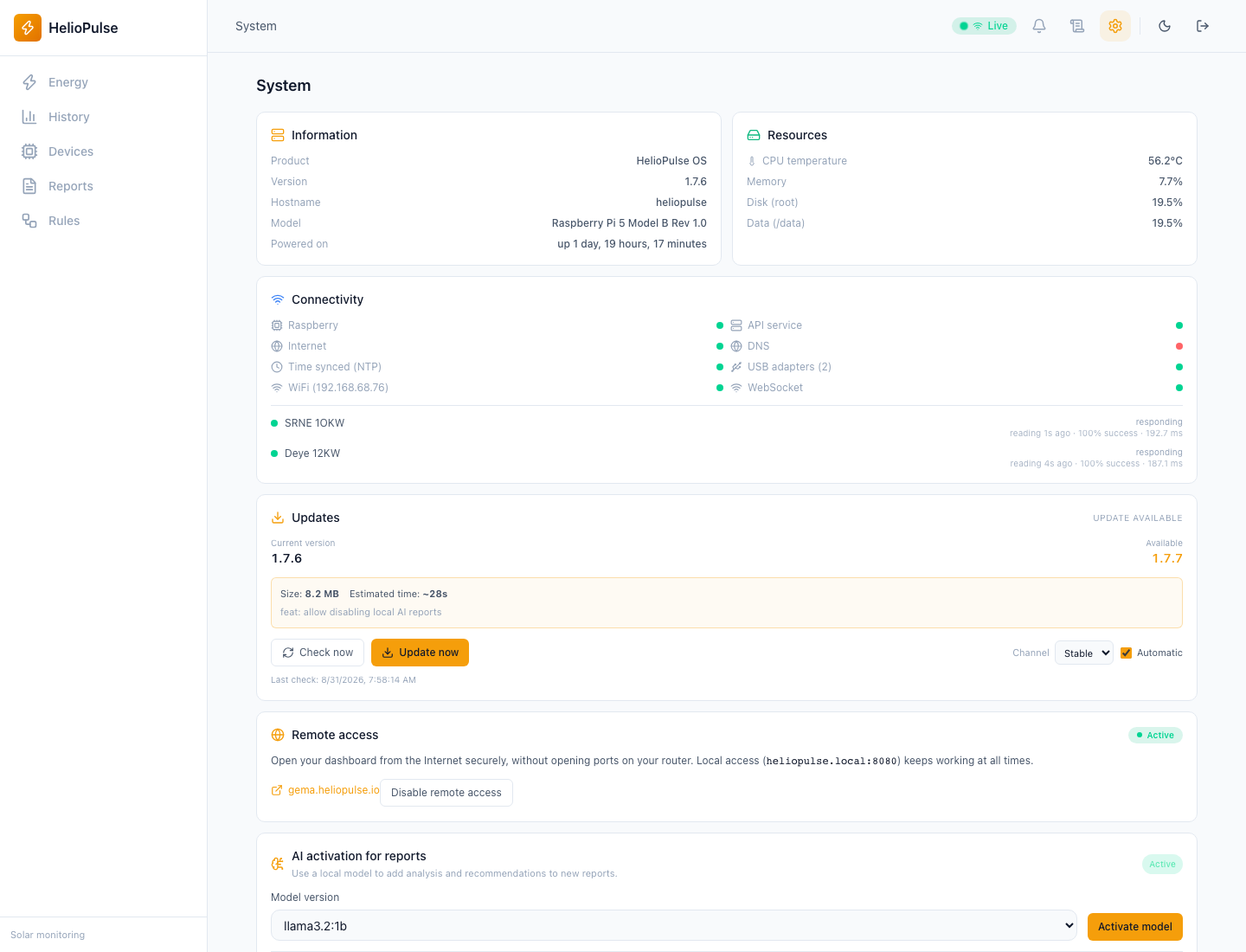
Options explained
- Location
- use the installation, not the visitor's temporary position.
- Array
- capacity 0 disables forecast; azimuth 0=south, -90=east, 90=west, ±180=north; also set tilt.
- Impact
- price, currency and CO₂ factor are assumptions, not billing or measured emissions.
- Language/tour
- affect experience, not readings or electrical configuration.
- Cloud
- displayed status does not mean all integrations are active.
Troubleshooting
For missing forecasts check coordinates, capacity and orientation. For odd savings check units and assumptions.
Common problems