Available options depend on your version, permissions and hardware. For missing actions, see Security and Diagnostics.
Step by step
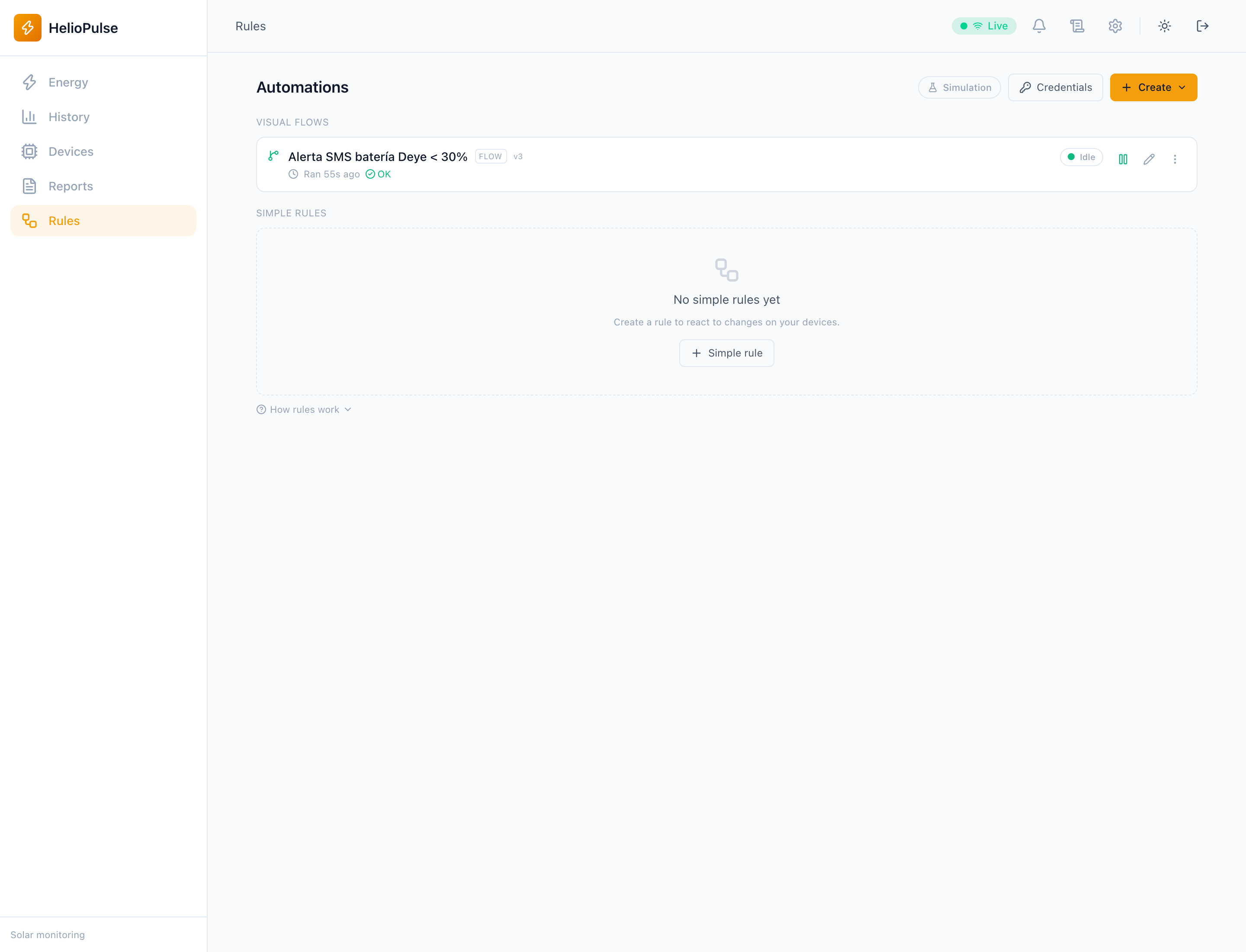
- Create a rule/flow and initially record an event to test logic.
- Choose threshold, schedule, alarm or event and action; verify equipment, units and conditions.
- Simulate, save/publish as appropriate and enable only after review.
Options explained
- Rule simulation
- records intended actions without executing them.
- Flows
- drafts do not replace published versions; check version and activation.
- Import/export
- exchanges JSON; imported flows start disabled for review.
- Pause/resume/cancel/resource override
- operational controls where available; inspect execution logs.
Troubleshooting
Check activation, published version, recent data and schedule. MQTT/webhooks can operate external equipment even without inverter writes.
Common problems