Available options depend on your version, permissions and hardware. For missing actions, see Security and Diagnostics.
Step by step
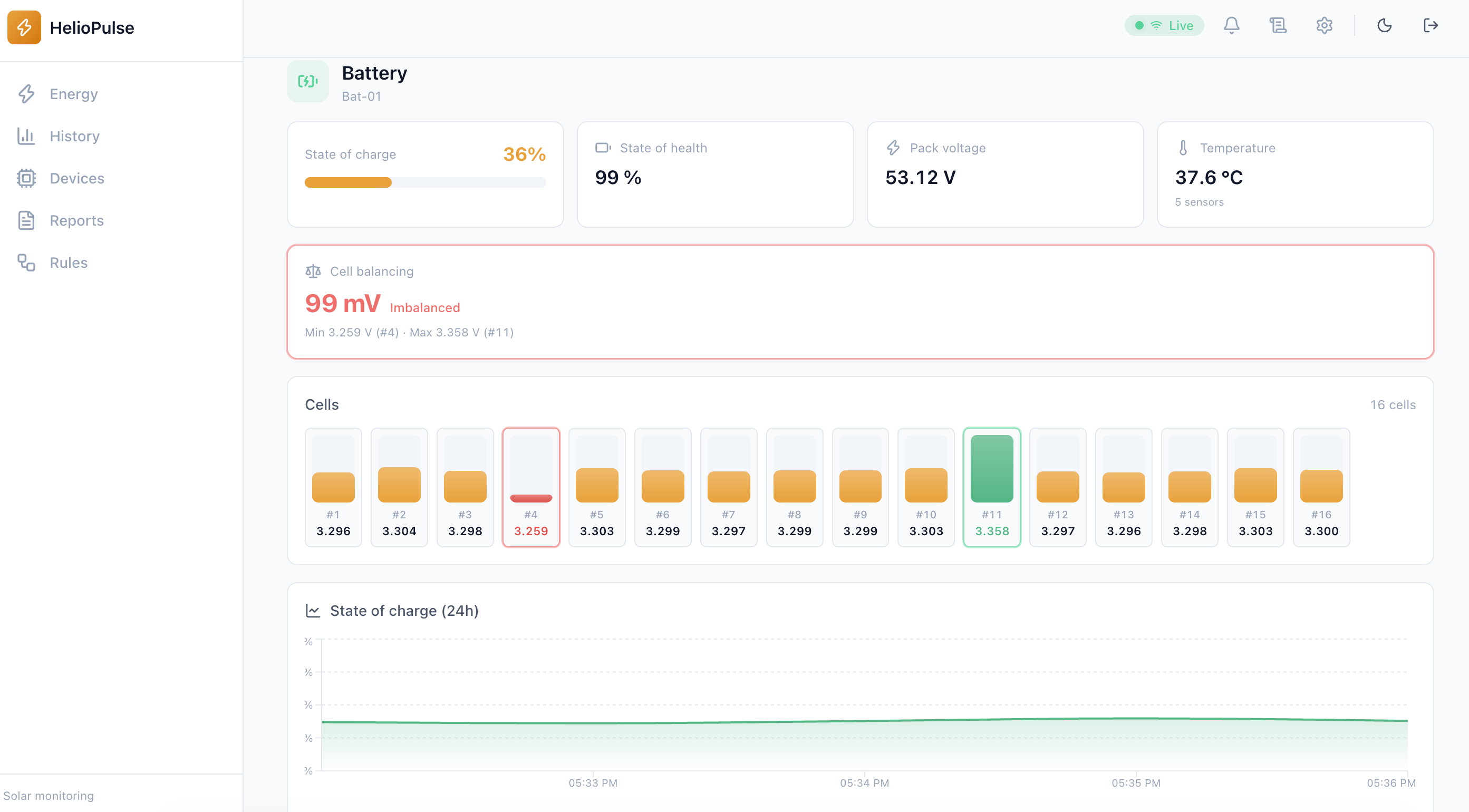
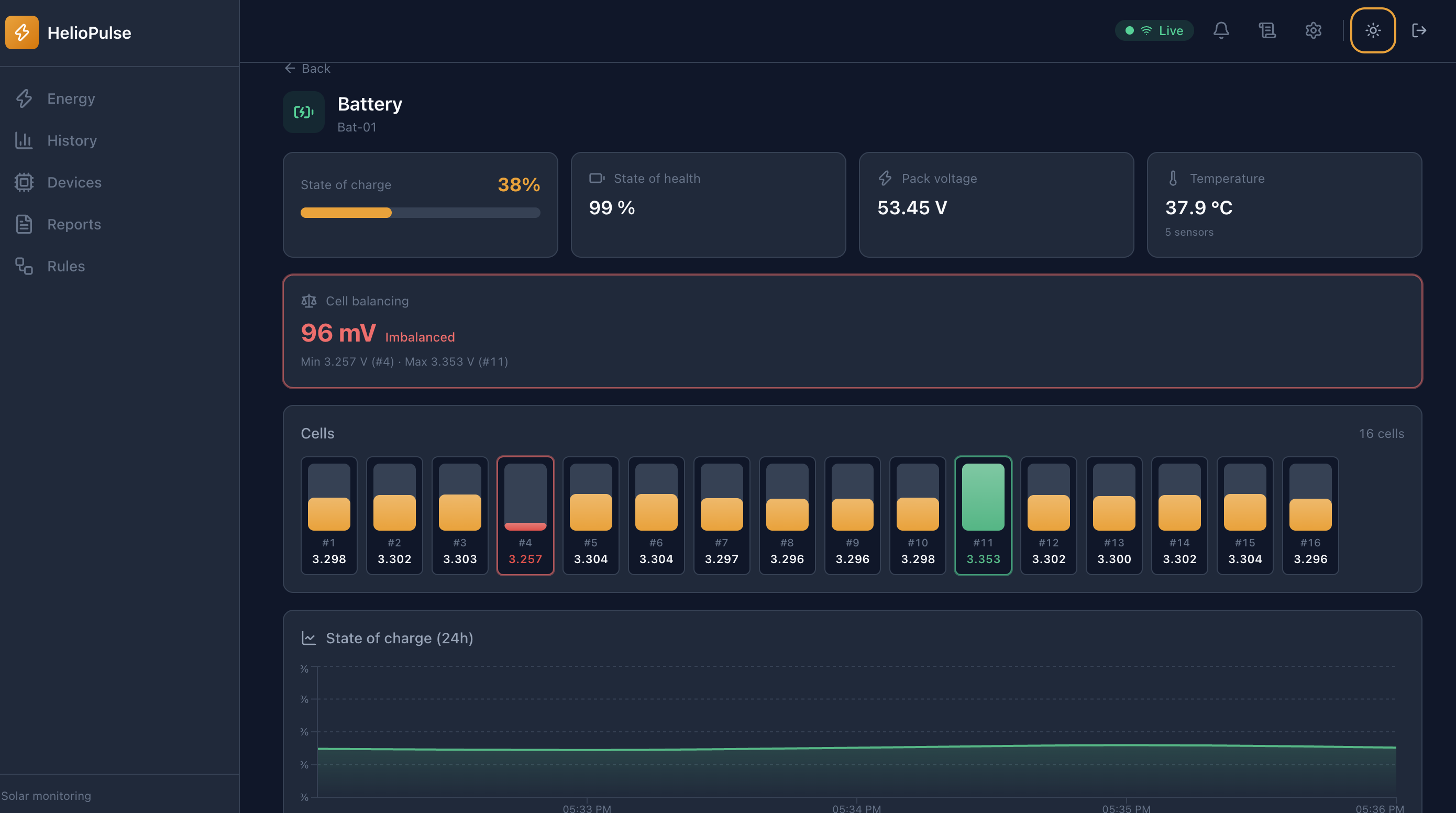
- Open the battery from its equipment view.
- For multiple packs, select the pack number before interpreting values.
- Review SOC, voltage, power, temperature, cells, diagnosis and available technical details.
Options explained
- SOC
- estimated charge percentage. SOH is health if the BMS reports it.
- Cells and spread in mV
- compare voltages; spread alone does not prove a defective battery.
- Balancing, cycles and sensors
- may be unreported; missing does not mean zero.
- Diagnosis
- findings include evidence, confidence and suggested action, not safety certification.
Troubleshooting
Check battery count, driver and bus for missing or stale packs. Confirm findings against manufacturer guidance before physical intervention.
Common problems