Available options depend on your version, permissions and hardware. For missing actions, see Security and Diagnostics.
Step by step
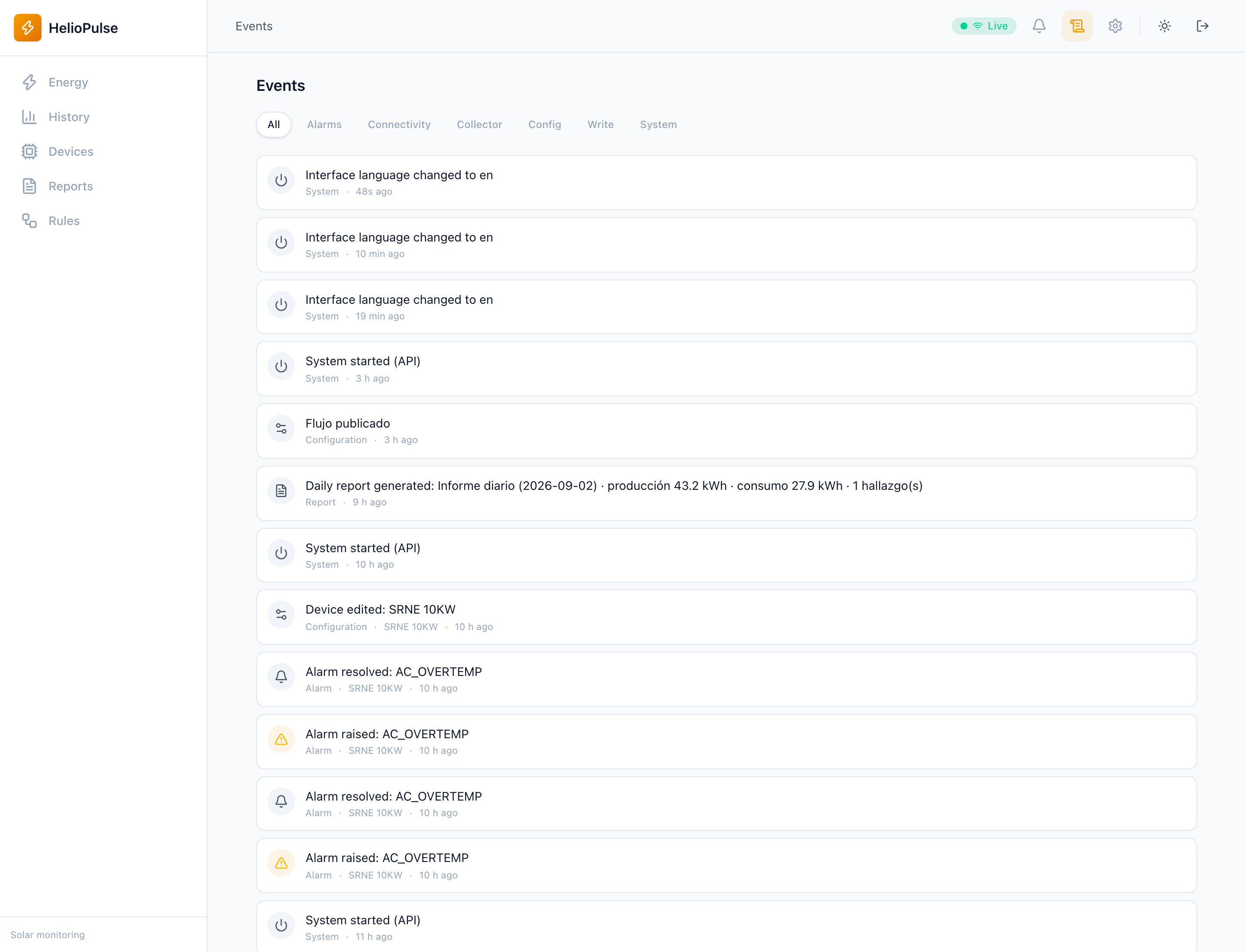
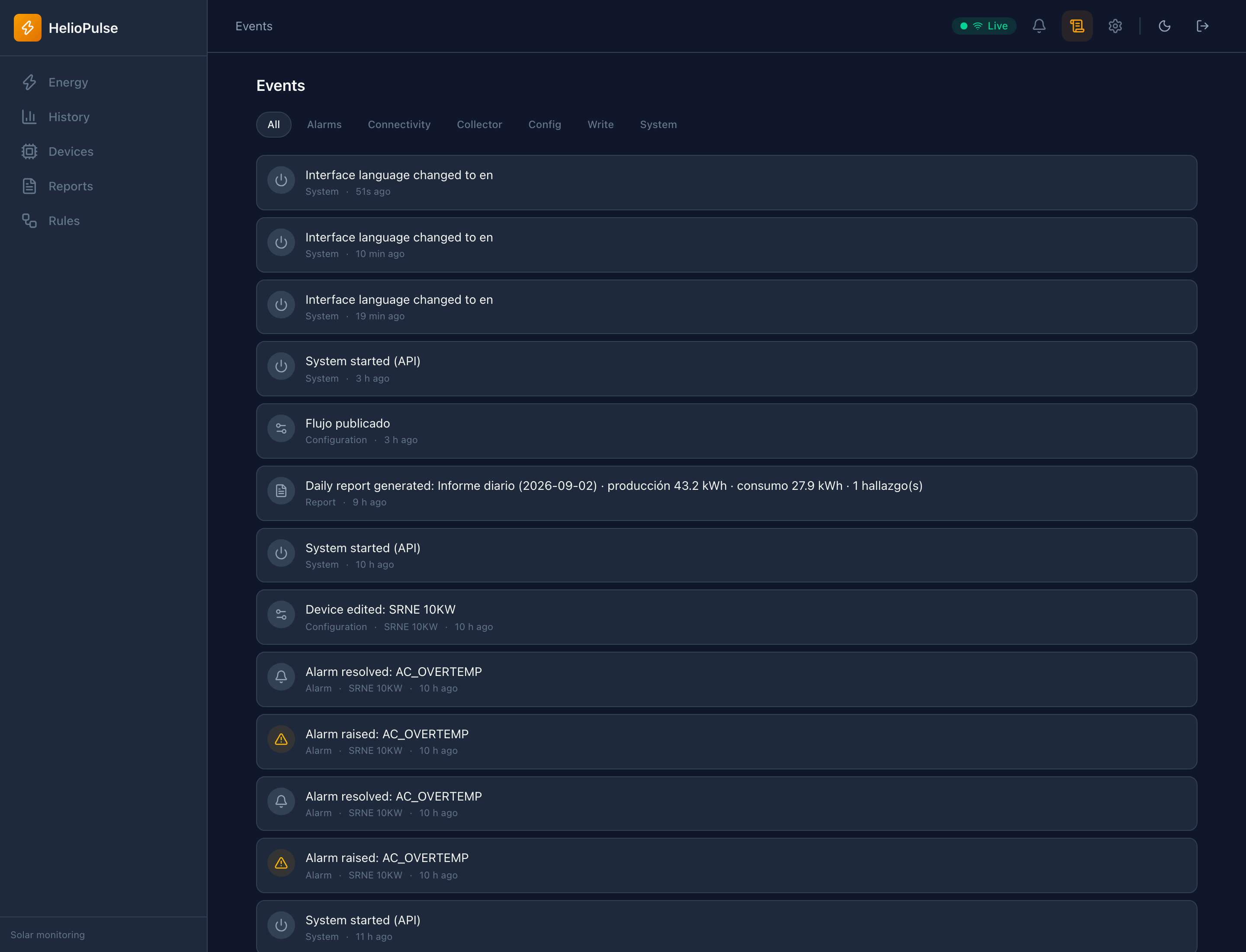
- Open Events and choose a relevant category or all events.
- Review timestamp, equipment and description around the incident.
- Compare with Alarms and the flow execution log.
Options explained
- Categories
- distinguish communications, devices, system and automation where available.
- Timeline
- shows reconnects, actions and changes; consider the site's timezone.
- Event/alarm
- an event records something that happened, not necessarily an active fault.
Troubleshooting
Check another period/category and the flow log for missing actions. An absent event is not proof of successful execution.
Common problems