Available options depend on your version, permissions and hardware. For missing actions, see Security and Diagnostics.
Step by step
- Verify brand, model and protocol before selecting a driver.
- Inspect installed drivers in Equipment or import a compatible JSON from a trusted source.
- Assign it and validate readings before using writable parameters.
Options explained
- Import
- may add or replace a driver with the same identifier; review the result.
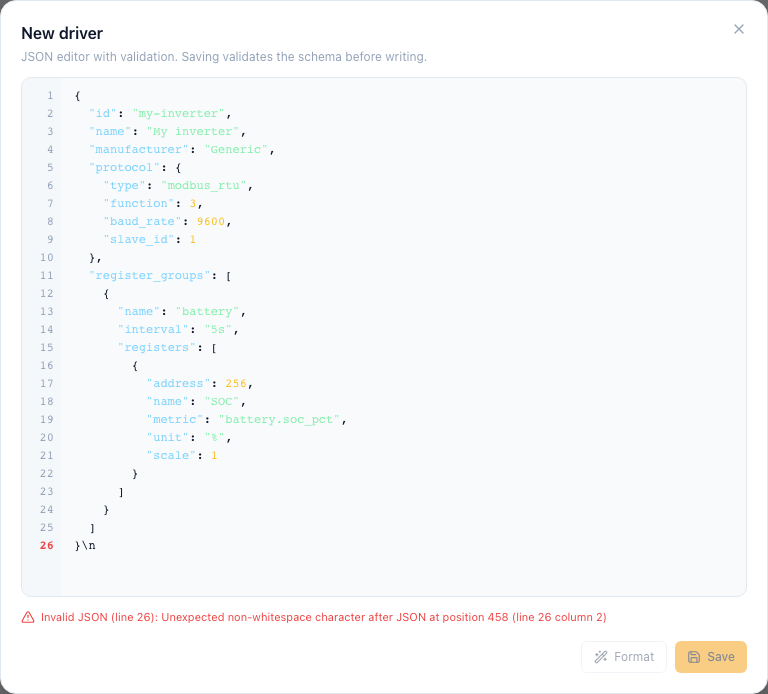
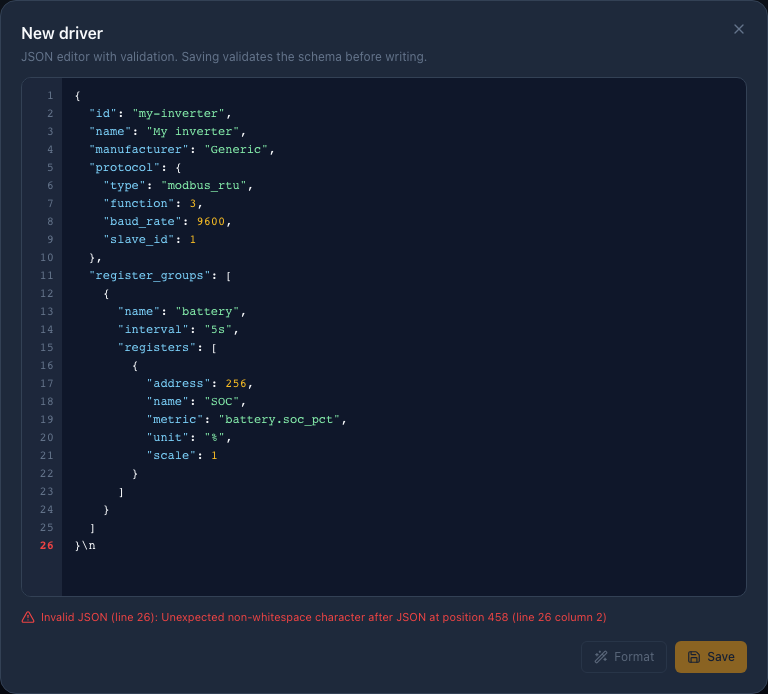
- Create/edit
- advanced protocol definition editing, not inverter electrical setup.
- Delete
- check dependent equipment before removing a driver.
- Compatibility
- sharing a brand does not guarantee matching registers or commands; verify model and firmware.
Troubleshooting
Impossible values may indicate wrong registers, scaling or units. Do not enable writes to fix reading problems.
Common problems