Available options depend on your version, permissions and hardware. For missing actions, see Security and Diagnostics.
Step by step
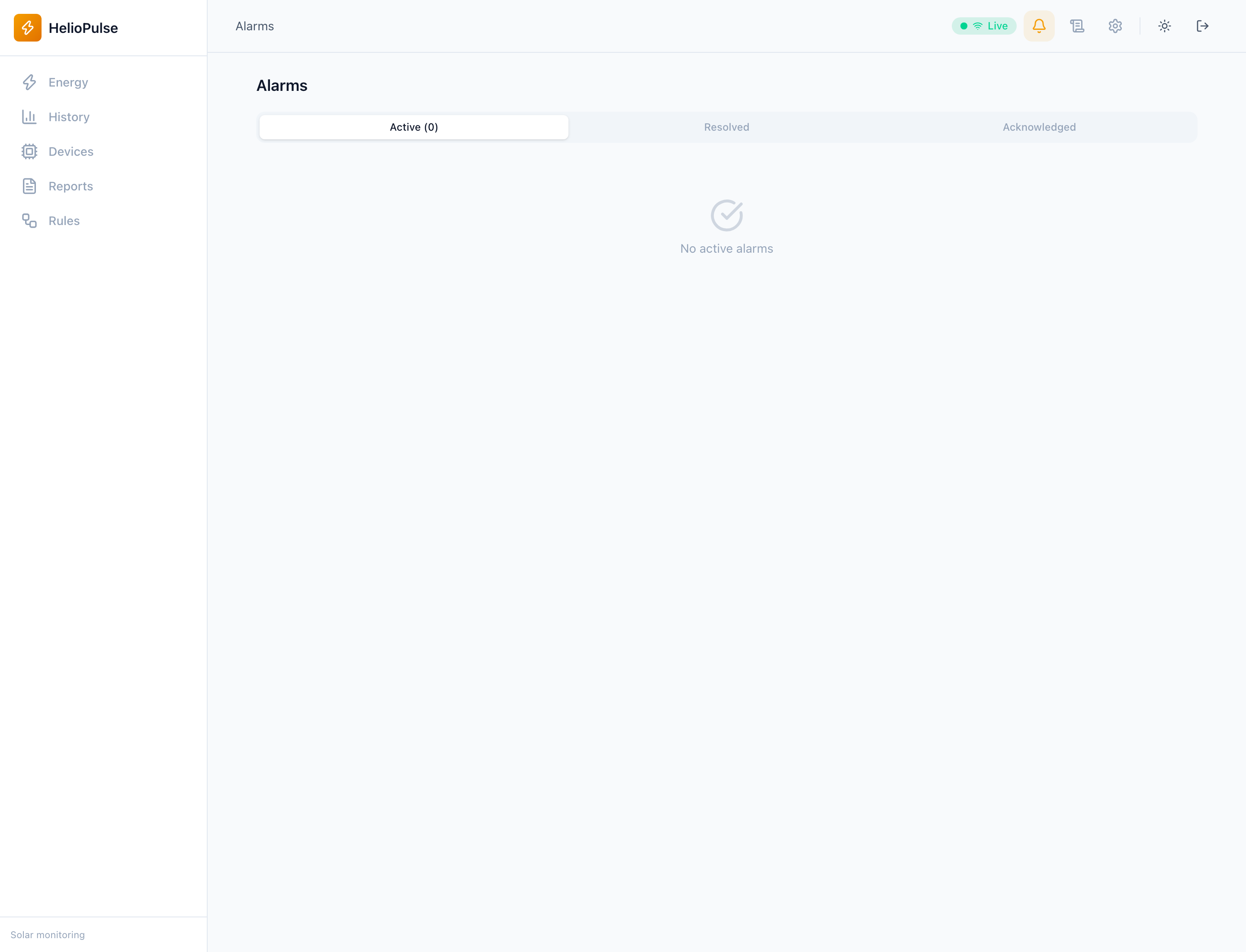
- Open Alarms and review equipment, severity, code and time.
- Inspect active alarms before previous ones and use available filters.
- Investigate Energy, Battery and Events; acknowledge when the option is available.
Options explained
- Severity
- prioritizes review; exact meaning depends on equipment and driver.
- Active/acknowledged
- acknowledgement means you saw it, not that the physical cause disappeared.
- History
- correlate recurring alarms with changes, temperature and communication.
Troubleshooting
For recurring alarms, check whether the cause persists. Do not disregard inverter/BMS protection based solely on panel wording.
Common problems