Available options depend on your version, permissions and hardware. For missing actions, see Security and Diagnostics.
Step by step
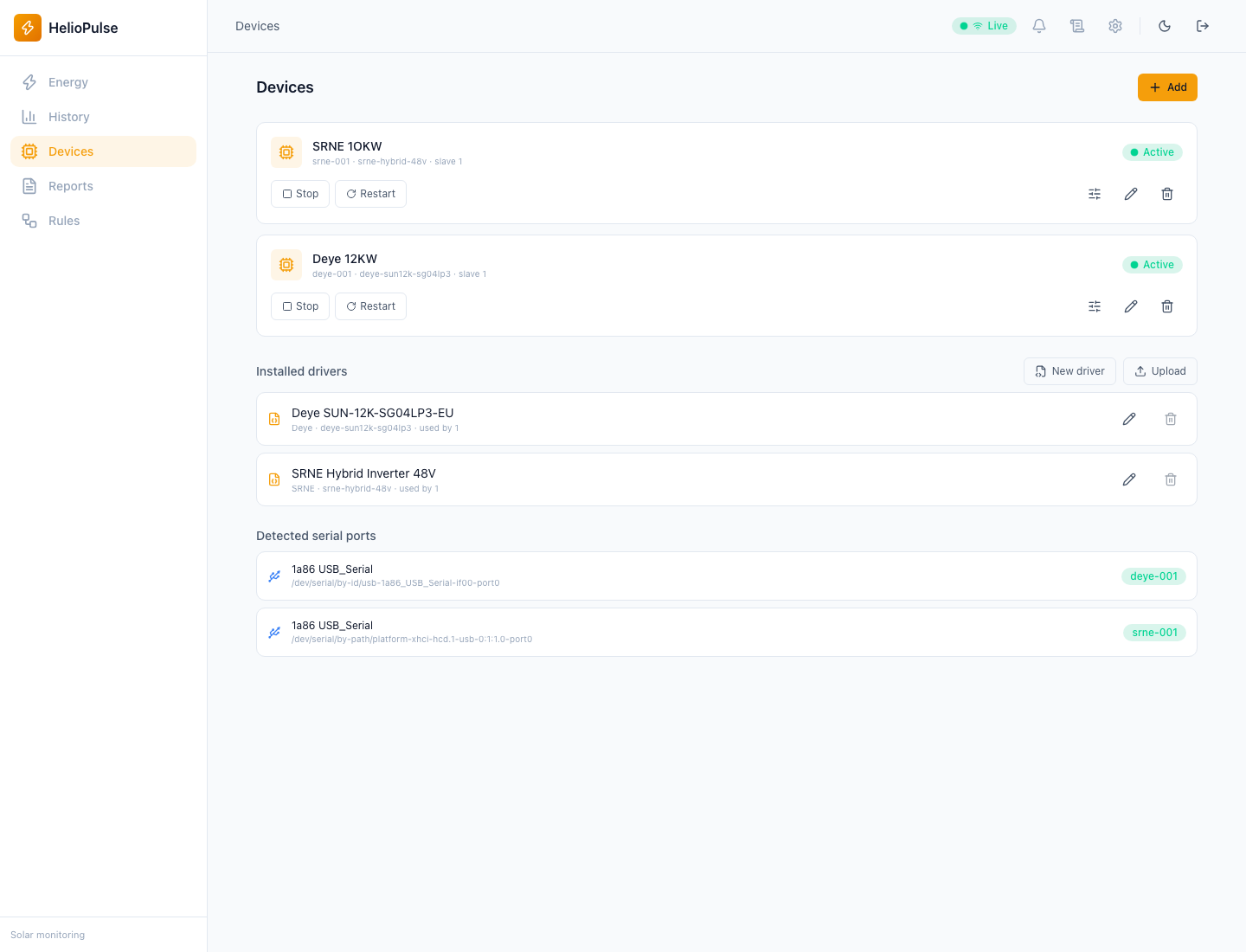
- In Equipment, add an inverter, battery/BMS, EV charger or use the advanced form.
- Set name, driver, connection, port/collector, address and communication settings from the manufacturer.
- Save, start the collector and verify the reading timestamp updates.
Options explained
- Port/address
- choose the correct port and a unique Modbus address per bus; do not guess baud rate or parity.
- Battery count
- specify the packs sharing a connection when supported.
- Pause/resume
- stop/start collection, not the inverter.
- Edit identity, restart collector and delete
- affect the record or collector; read deletion confirmation.
- Simulation
- produces synthetic readings without hardware; they are not real production.
Troubleshooting
Check compatibility, wiring, address, baud rate and parity. Restart the collector after connection changes when instructed by the panel.
Common problems