Available options depend on your version, permissions and hardware. For missing actions, see Security and Diagnostics.
Step by step
- Follow the site's installation guide and put the core and your browser on the same network.
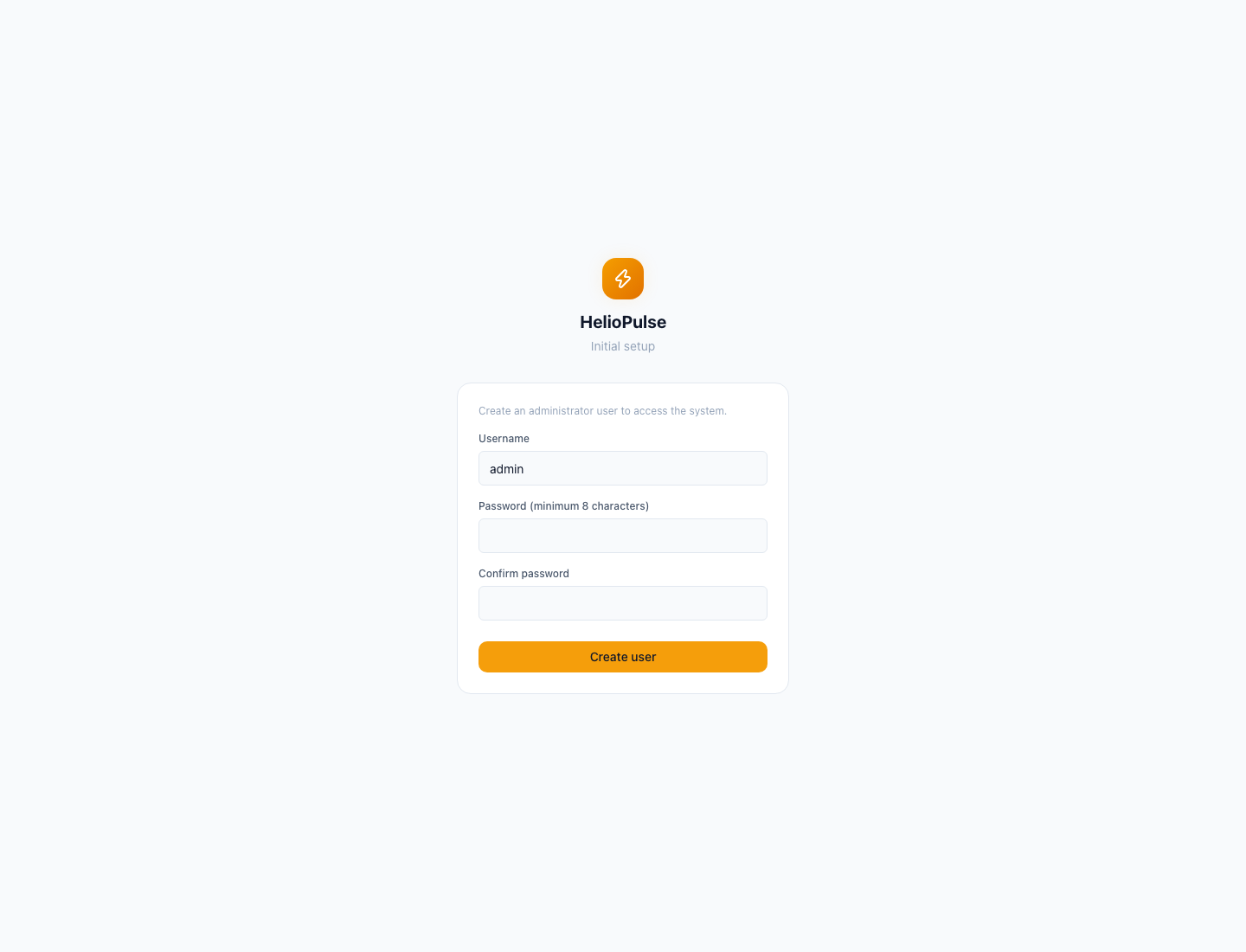
- Open your installation's local dashboard address; create the administrator if no account exists.
- Choose a username and password of at least eight characters, confirm it, then sign in and add equipment.
Options explained
- Installation
- Raspberry Pi and Docker have different capabilities; Docker does not manage host power or networking.
- First account
- there is no universal password to share. Keep your password private.
- First readings
- empty screens are normal before a collector is connected; history grows as readings arrive.
Troubleshooting
Check power, network and dashboard address if it will not open. If an account already exists, sign in; creating another account is not password recovery.
Common problems