Available options depend on your version, permissions and hardware. For missing actions, see Security and Diagnostics.
Step by step
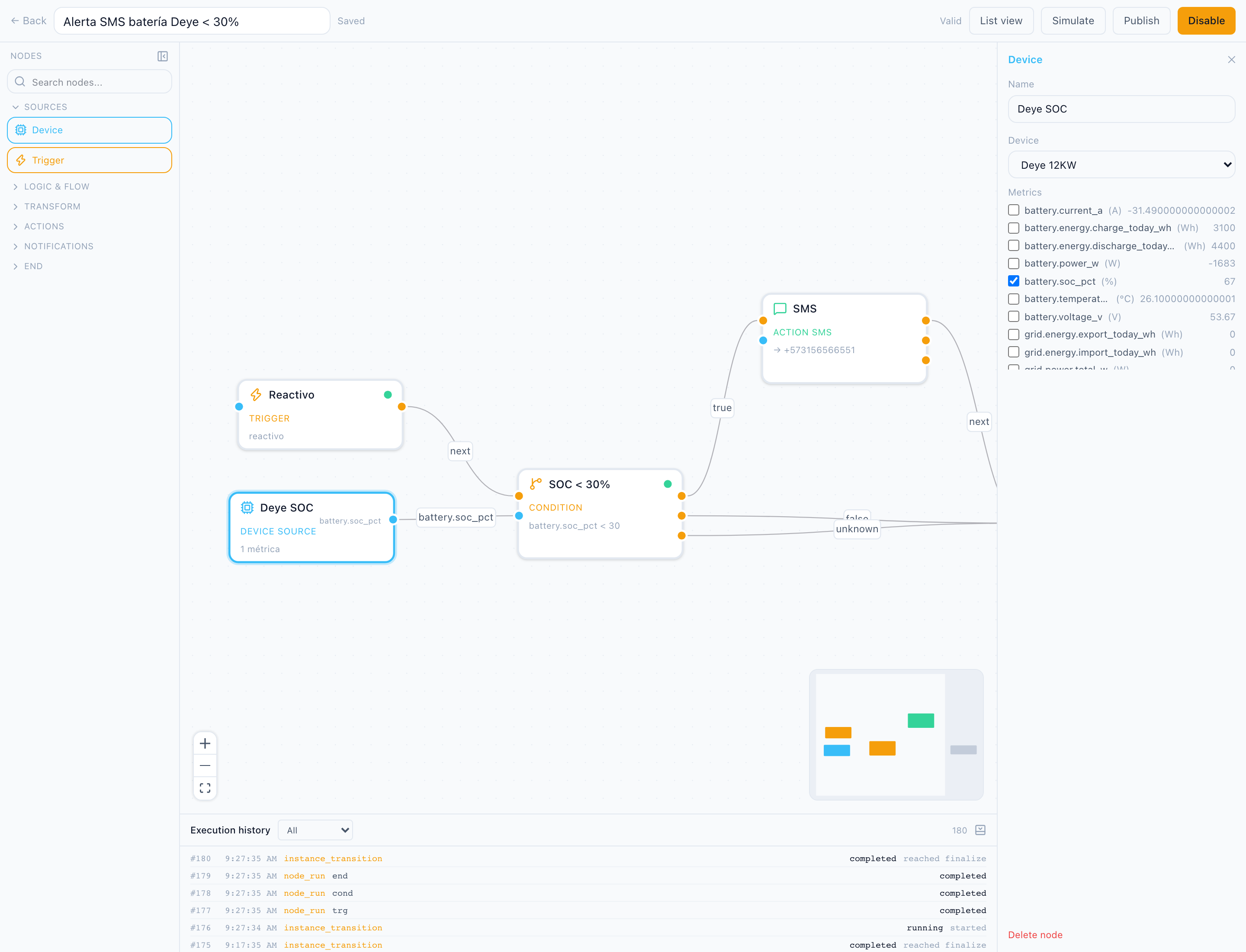
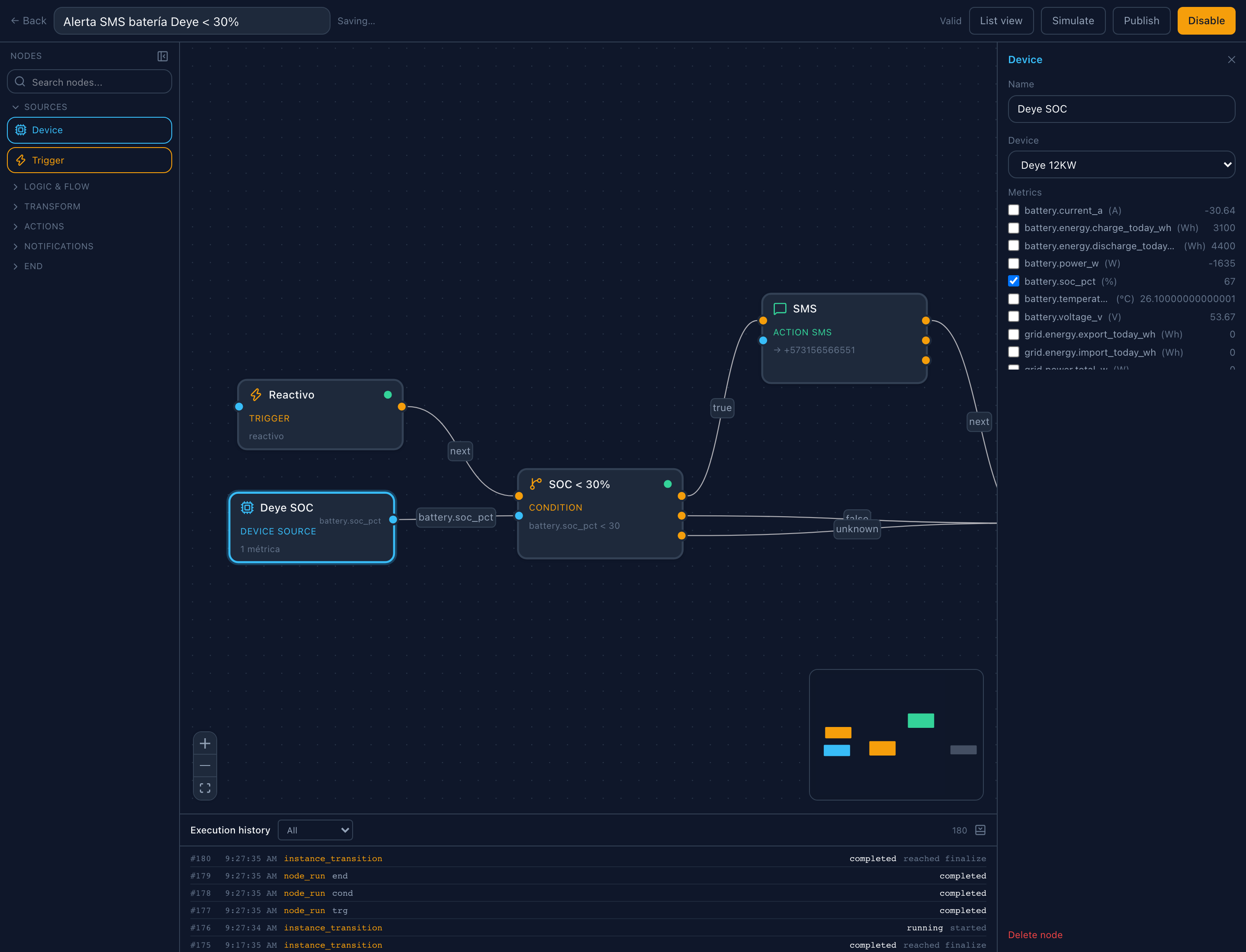
- Add Device, select metrics and wire data outputs to nodes that need them.
- Add Trigger and connect control through conditions, waits and actions.
- Configure, validate, simulate error branches and finalize before publishing.
Options explained
- Condition
- true, false and unknown outputs; handle missing data explicitly.
- Decision/Switch
- choose branches and a default alternative.
- Wait time/Wait condition/Sustained
- delay, await fulfillment or require a condition to remain true.
- Expression/Aggregate
- calculate values; Message template prepares text; Record preserves evidence.
- Confirm/Finalize
- verify according to configuration and end execution; Confirm is not necessarily a user dialog.
Troubleshooting
Check port types, edges and required fields for validation failures. Simulate unknown, timeout and error as well as success.
Common problems