Available options depend on your version, permissions and hardware. For missing actions, see Security and Diagnostics.
Step by step
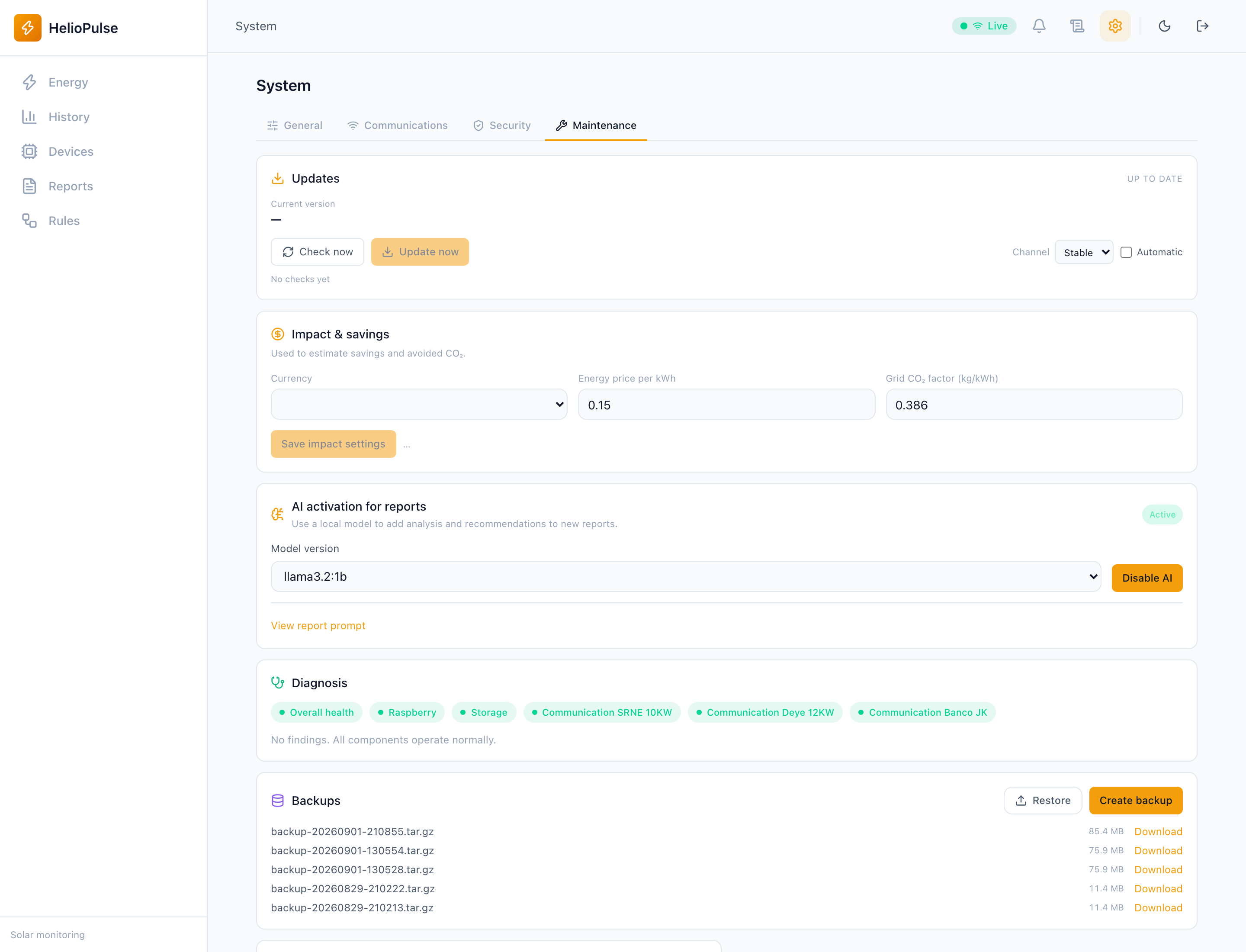
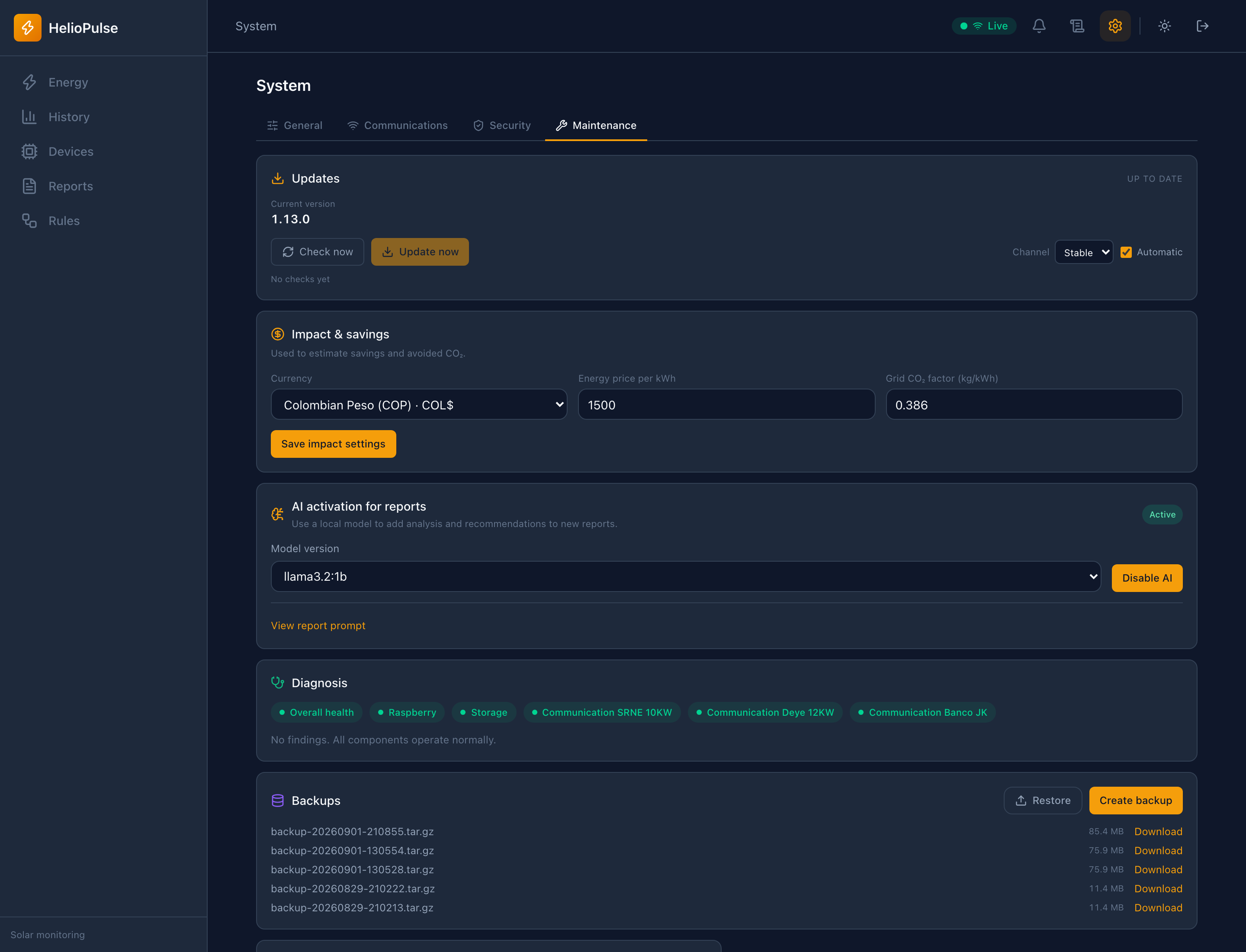
- Create and download in System > Maintenance; keep a copy off-device.
- Before restoring, back up current state and choose the right file.
- Review confirmation/progress, restart when required and verify equipment/data.
Options explained
- Create/download
- separate operations; a local-only file cannot protect against storage loss.
- Restore
- overwrites database/configuration, not a partial telemetry import.
- Progress
- receiving, validating, staging, applying or failed; HTTP 202 is acceptance, not completion.
- Docker
- staged restoration may apply on next startup; systemd cannot restart the container.
Troubleshooting
Keep errors and check previous state. Do not repeat uploads or remove recovery files before understanding pending phases.
Common problems