Available options depend on your version, permissions and hardware. For missing actions, see Security and Diagnostics.
Step by step
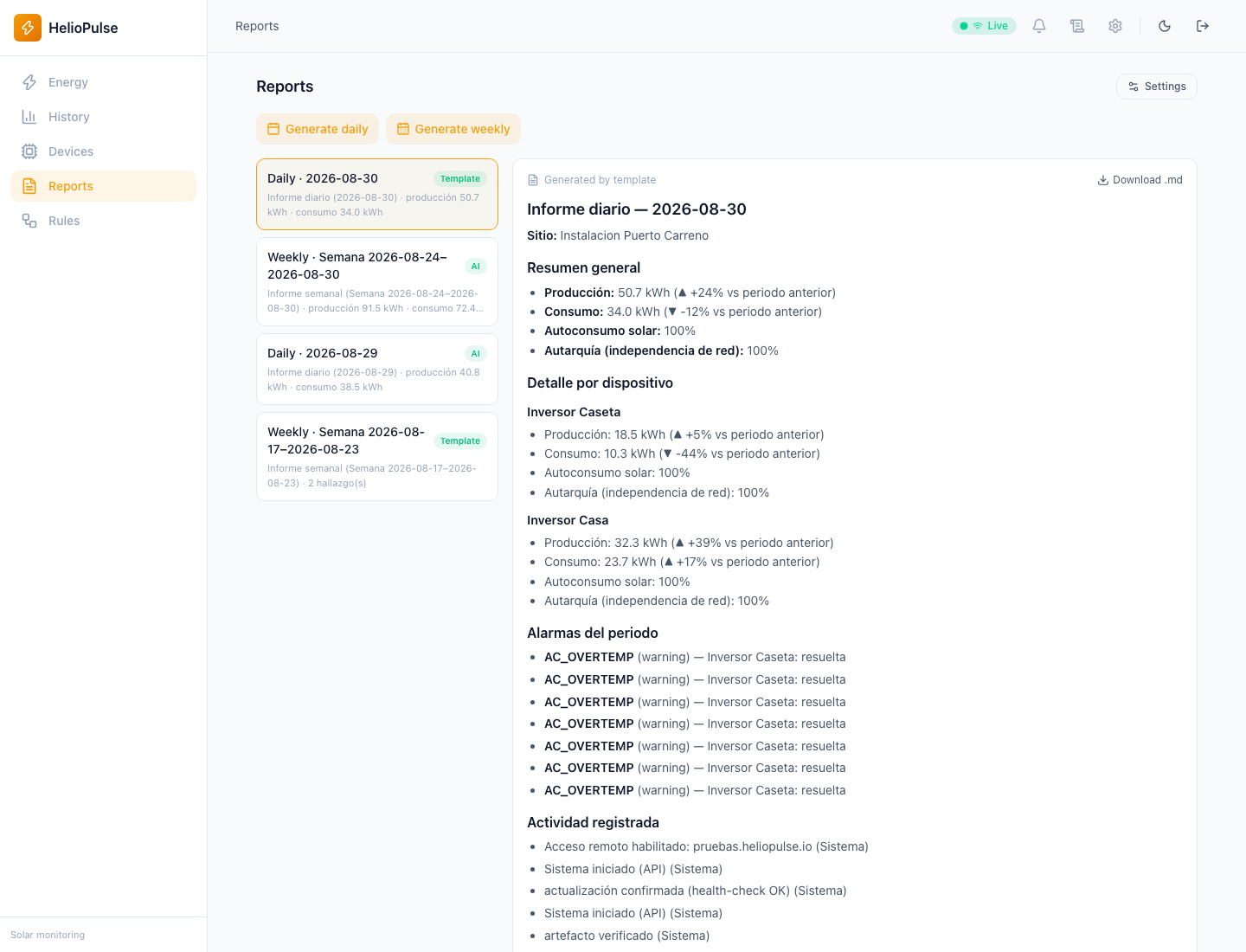
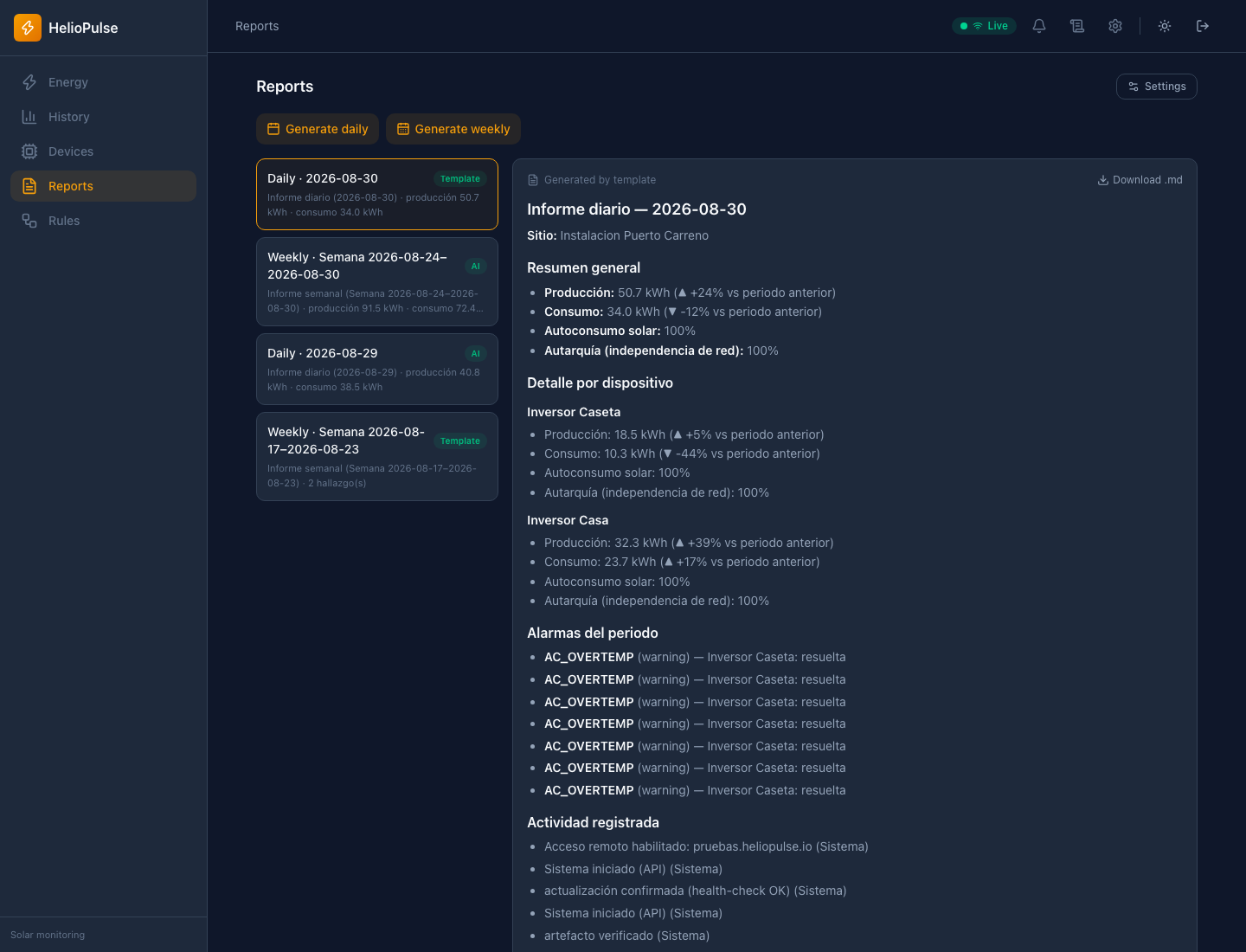
- Select a daily/weekly report or request generation when available.
- Review production, consumption, self-sufficiency, self-consumption and devices with data.
- Expand or export; enable daily/weekly generation in Settings and save.
Options explained
- Coverage
- reports missing equipment samples may be partial.
- Comparison
- period-to-period changes need comparable coverage.
- Local AI
- optional; deterministic content remains without a model. Enabling it affects new reports.
- Export
- downloads the selected report, not all telemetry history.
Troubleshooting
Check period readings if generation fails. Missing AI advice is a maintenance issue, not necessarily a monitoring fault.
Common problems